
Download Adobe Creative Suite Master Collection – Professional Design Tool for Mac
Introduction: Why Adobe Creative Suite Master Collection Still Matters
Adobe Creative Suite Master Collection remains a benchmark in the world of design, photography, and multimedia production, even as the industry gradually shifts toward Creative Cloud. The trial version for Mac gives businesses, freelancers, and creative teams a chance to explore a comprehensive toolbox without an immediate financial commitment. Built by Adobe, a name synonymous with industry‑standard software, this suite bundles flagship applications such as Photoshop, Illustrator, InDesign, Premiere Pro, and After Effects into a single, cohesive package.
Because it’s a trial, users can test the full functionality of each program for a limited period, ensuring that the investment aligns with their workflow requirements. The suite’s multilingual support—English, Spanish, and German—makes it accessible to a global audience, while its strong presence in markets like the United States, India, and Indonesia underscores its broad appeal. Whether you’re designing a corporate brand identity, editing high‑resolution video, or crafting interactive PDFs, the Adobe Creative Suite Master Collection offers a secure, reliable, and feature‑rich environment that can accelerate project timelines and elevate creative quality.
Overview & Core Features of Adobe Creative Suite Master Collection
The Adobe Creative Suite Master Collection is positioned in the Business software category under the subcategory Office Suites, catering primarily to professionals who need an all‑in‑one creative workflow solution. Although the trial version does not disclose a specific version number, the last recorded update was on July 10 2012, indicating a stable, mature codebase that has been refined over many years. Below is a concise list of the flagship applications and their standout capabilities:
- Adobe Photoshop: Advanced raster editing, layer management, content‑aware fill, and 3‑D capabilities.
- Adobe Illustrator: Vector‑based drawing tools, precision typography, and seamless integration with Photoshop.
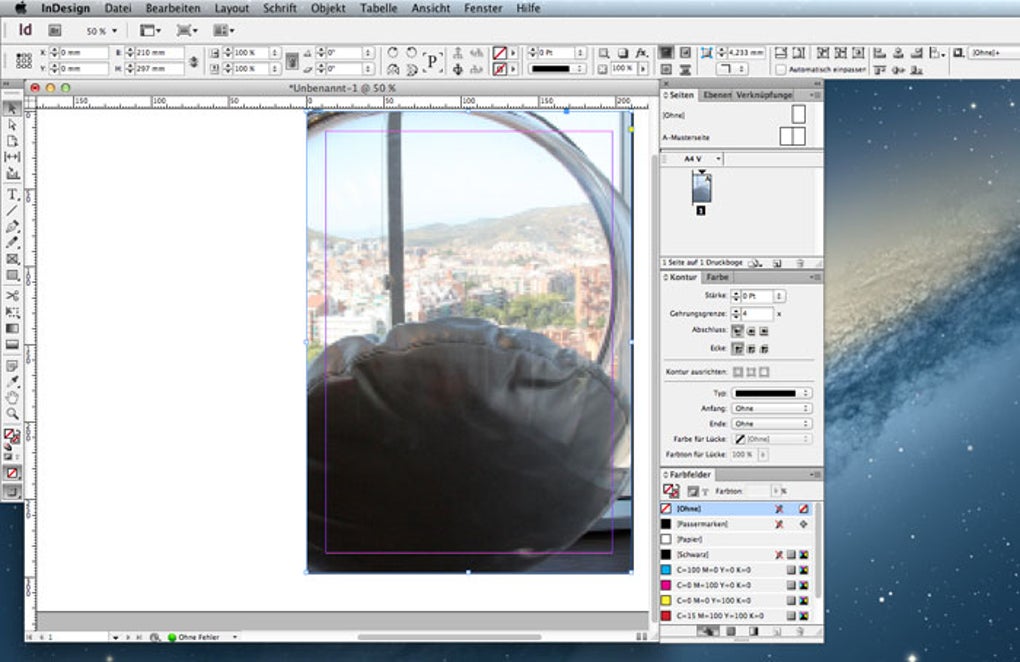
- Adobe InDesign: Professional layout design for print and digital publishing, master pages, and interactive PDFs.
- Adobe Premiere Pro: Timeline‑based video editing, multi‑camera editing, and support for high‑resolution formats.
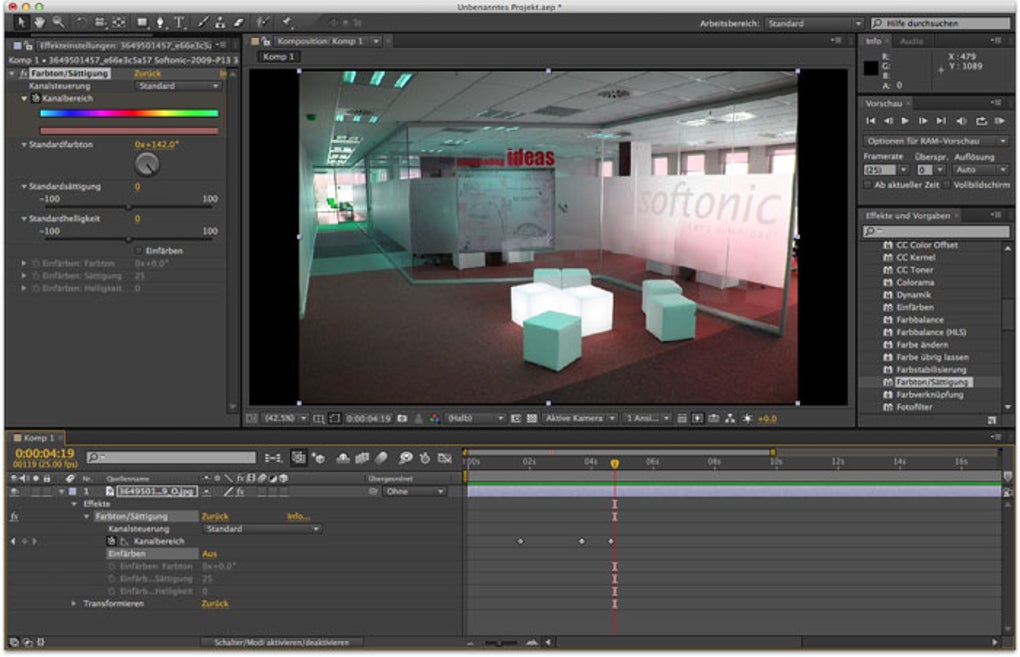
- Adobe After Effects: Motion graphics, visual effects, and compositing for film and web content.
- Adobe Dreamweaver: Web design with code‑view and visual design modes, supporting HTML5, CSS3, and JavaScript.
- Adobe Acrobat Pro: PDF creation, editing, and secure document signing.
- Adobe Bridge: Asset management, batch processing, and preview capabilities across the suite.
Each application is tightly integrated, allowing assets to flow effortlessly from Photoshop to After Effects or from Illustrator to InDesign. The suite also includes a range of plug‑ins and extensions that enhance productivity, such as content synchronization, cloud‑based libraries (even in the trial version), and preset configurations that reduce repetitive tasks. For businesses, the master collection offers a unified licensing model, which simplifies budgeting and compliance. Moreover, the suite’s robust performance on macOS—leveraging native APIs and hardware acceleration—ensures that even resource‑intensive tasks like 4K video rendering run smoothly on modern Mac hardware.
Installation, Usage, and Compatibility on macOS
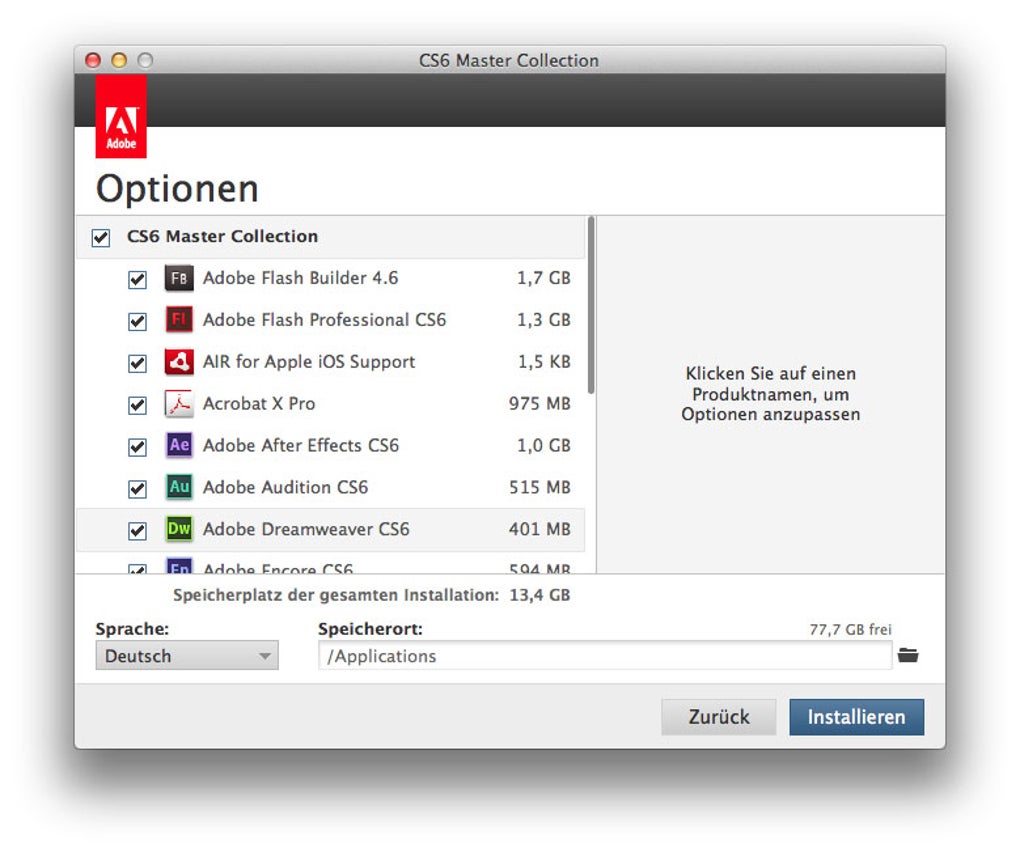
Getting started with the Adobe Creative Suite Master Collection trial on a Mac is straightforward, thanks to Adobe’s well‑documented installer and clear system requirements. Follow these steps to ensure a hassle‑free installation:
- Download the Installer: Click the “Download” button on the product page to retrieve the .dmg file. The file size is not publicly listed, but expect a download of roughly 5‑6 GB for the full suite.
- Mount the Disk Image: Double‑click the .dmg file to mount it on your desktop. A new window will appear with the Adobe installer package.
- Run the Installer: Drag the Adobe Creative Suite icon into your Applications folder, or follow the on‑screen prompts to install each component individually.
- Enter Trial Credentials: When prompted, sign in with an Adobe ID. If you don’t have one, create a free account. The trial period typically lasts 30 days, after which you’ll need to purchase a license to continue using the software.
- Configure Preferences: Launch each application and adjust performance settings (e.g., memory usage, GPU acceleration) to match your Mac’s hardware capabilities.
The suite is compatible with macOS X and later versions, including macOS Catalina, Big Sur, Monterey, and Ventura. While Adobe has not published exact hardware specifications for the trial, the recommended configuration mirrors that of the full suite: a multi‑core Intel or Apple Silicon processor, at least 8 GB of RAM (16 GB recommended for video work), and a dedicated GPU with 2 GB VRAM or more. The trial version respects the same security standards as the licensed product, offering encrypted file handling, sandboxed processes, and regular updates to protect against vulnerabilities.
Usage tips for maximizing productivity include:
- Leverage Creative Cloud Libraries: Even in trial mode, you can store assets in the cloud for seamless access across apps.
- Utilize Keyboard Shortcuts: Learn the default shortcuts for each application to speed up repetitive tasks.
- Batch Process with Bridge: Organize large image collections and apply actions across multiple files in seconds.
- Explore Preset Workflows: Adobe provides ready‑made templates for print layouts, video sequences, and web design.
Overall, the installation experience is polished, and the suite runs reliably on supported macOS versions, making it a dependable choice for businesses that need a trial before committing to a full license.
Pros and Cons of Adobe Creative Suite Master Collection (Trial)
Pros
- Comprehensive Toolset: All major Adobe creative applications are available in a single package.
- Seamless Integration: Assets move effortlessly between Photoshop, Illustrator, InDesign, and other apps.
- Industry Standard: Recognized worldwide, ensuring compatibility with client files and third‑party plugins.
- Multilingual Support: English, Spanish, and German interfaces broaden accessibility.
- Secure Trial Environment: Encrypted file handling and regular updates keep the software safe.
- High Adoption Rates: Strong user bases in the United States, India, and Indonesia indicate robust community support.
Cons
- Large Installation Footprint: The full suite requires significant disk space and system resources.
- Trial Limitations: Certain premium features and cloud services may be restricted during the trial period.
- Outdated Update Cycle: The last known update was in 2012, which may raise concerns about modern format support.
- Complex Licensing: Transitioning from trial to a full license can involve a steep price point for small businesses.
- Mac‑Only Availability: The trial version is not offered for Windows, limiting cross‑platform testing.
Frequently Asked Questions (FAQ) & Conclusion
How long does the Adobe Creative Suite Master Collection trial last?
The trial period typically lasts 30 days, giving you full access to all applications within the suite. After the trial expires, you’ll need to purchase a license to continue using the software.
Can I install the trial on multiple Macs?
Yes, the trial license permits installation on up to two macOS devices for the same Adobe ID. However, simultaneous usage on both machines is not allowed.
Is the trial version compatible with Apple Silicon (M1/M2) Macs?
While the original 2012 build predates Apple Silicon, Adobe has provided Rosetta 2 compatibility, allowing the suite to run on M1/M2 Macs with acceptable performance. For optimal speed, consider the latest Creative Cloud versions.
What languages are supported in the trial interface?
The trial is available in English, Spanish, and German. Language preferences can be set during the installation process or adjusted later in the Adobe preferences panel.
Will my project files remain accessible after the trial ends?
Yes. All files you create during the trial are saved in standard formats (PSD, AI, INDD, etc.). You can open them with other compatible software or a future licensed version of Adobe Creative Suite.
In summary, the Adobe Creative Suite Master Collection trial offers a rare glimpse into a powerhouse of creative tools without an upfront cost. For Mac‑based businesses and freelancers seeking a unified environment for graphic design, video production, and document publishing, this suite remains a compelling option despite its age. The trial’s secure, multilingual interface and deep integration across applications make it an excellent testbed before committing to a full license. If you’re ready to explore the full capabilities of Photoshop, Illustrator, InDesign, and more, download the trial today, follow the simple installation steps, and see how the suite can transform your workflow.
Ready to start creating? USD 0.00 – Download the Adobe Creative Suite Master Collection trial now and unlock professional‑grade tools for your Mac.







